Storing Proxmox VE data
Proxmox VE is a popular free and open source virtualization platform that supports virtual machines and Linux containers, with OCI (Docker) container support in tech preview. Many homelab enthusiasts have installed Proxmox on spare hardware and built up their own sovereign data infrastructure.
PBS - Proxmox Backup Server
The class of people who manage data can be split into two broad groups: those who have experienced their first serious and irrecoverable data loss event, and those who will. Virtualization platforms are more complex than the one-service-per-server approach, which makes mistakes easier to make, and often more impactful.
Proxmox offers a free companion product, Proxmox Backup Server (PBS). PBS is meant to run on one or more separate servers and works with Proxmox VE to back up each guest efficiently, whether it is a VM, a container, or an OCI container. Incoming data is stored as chunks, deduplicated across the entire datastore.
Deduplication
Multiple backups of a media library are stored only once, and so are individual chunks of a single movie, photo, or any other file, even when they come from different guests. If the same movie is saved in several places, the backup list shows every copy, but each listing points to the same set of chunks in the datastore.
So, what's missing?
For guests (remember, that’s VMs and containers), PVE and PBS work together almost transparently. You can back up and restore right from Proxmox VE.
The gap is data that isn’t part of a guest. PBS backs up virtual disks and storage-backed volumes. Anything outside those, such as data shared across several guests, folders and storage on the host, or folders bind-mounted into containers, is not covered. Shared data is often the data you most want to keep.
NAS
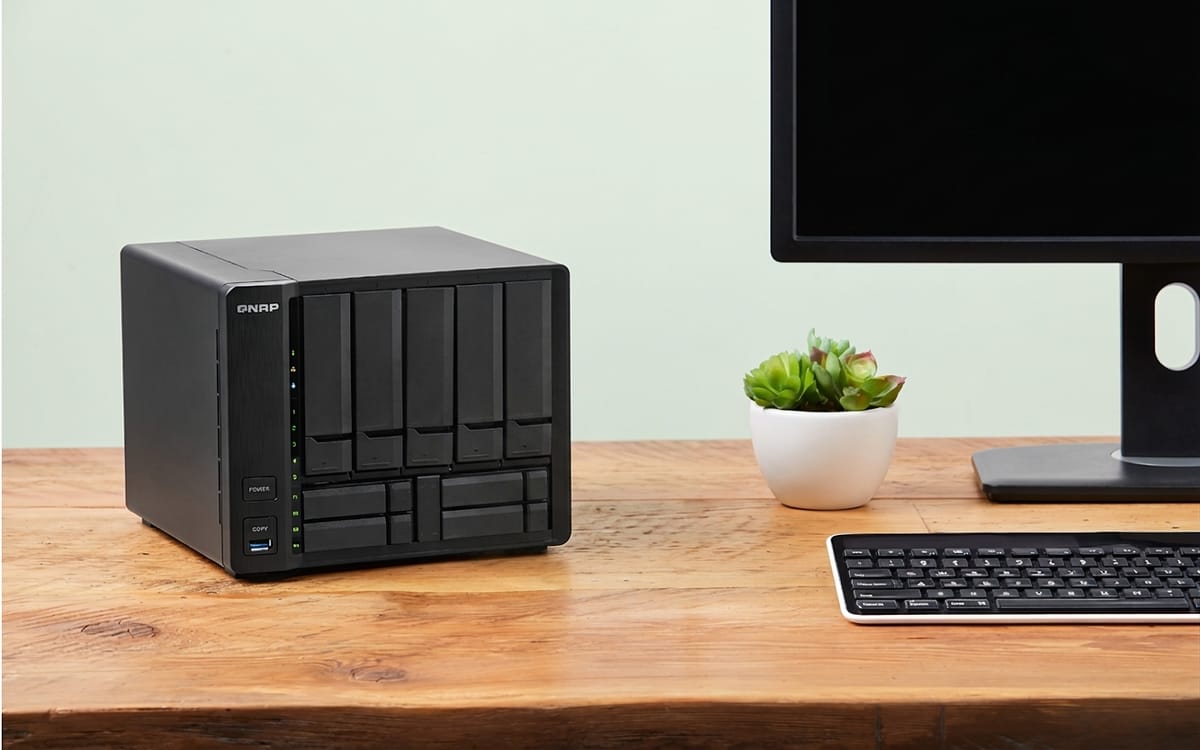
In a real datacenter, shared data lives on a separate network attached storage (NAS) machine: many drives in redundant arrays, offering storage over the network. Many guests can read and write the same data at once, or a guest can be given a disk of its own. Need a 60 GiB disk? Ask the NAS for 60 GiB. The guest sees 60 GiB, while the pool behind it may hold many TiB.
Thin provisioning
Storage can be thin-provisioned, a way to get more from the same hardware by accepting some risk. Airlines do the same: they oversell flights, knowing a small percentage of passengers will miss them. A NAS promises guests more space than it has in total because few guests use their full share at once. This lowers costs. The risk is the same as overbooking: if everyone shows up, someone gets bumped. For storage, that means failed writes and lost data. Monitoring should alert admins when a pool nears capacity so they can add resources in time.
No NAS? Now what?
For small installations like home labs, a separate server adds cost: hardware, power, cooling, noise, maintenance. A dedicated NAS is still the best arrangement, but there are alternatives, and each has drawbacks.
One popular approach is to run the NAS as a guest inside PVE, with physical disks passed through for its exclusive use. It works, but has two weak points. First, the NAS depends on the host it serves. If the host fails or won’t boot, the NAS goes down too, and recovery means repairing the very machine that holds your data. Second, passed-through disks are invisible to PBS, so the data on them isn’t covered by the backups described above. Many people accept these tradeoffs, but they should do so knowingly.
What's next?
Everything above leaves the same gap: data that lives outside a guest never reaches PBS. In the next article I’ll introduce zpbs-backup, an open-source tool I wrote to close it. Tag a ZFS dataset with a few properties, and zpbs-backup sends it to PBS on a schedule, with the same deduplication and retention that guests get. The settings live with the data, so there’s no separate list of datasets to maintain.